Step 2: Have a first conversation
The first conversation shows whether a model is available and which model replies to your request.
The following requirements are met:
- ☑ Step 1 is complete, see Set the personal preferences.
Proceed as follows to have a first conversation:
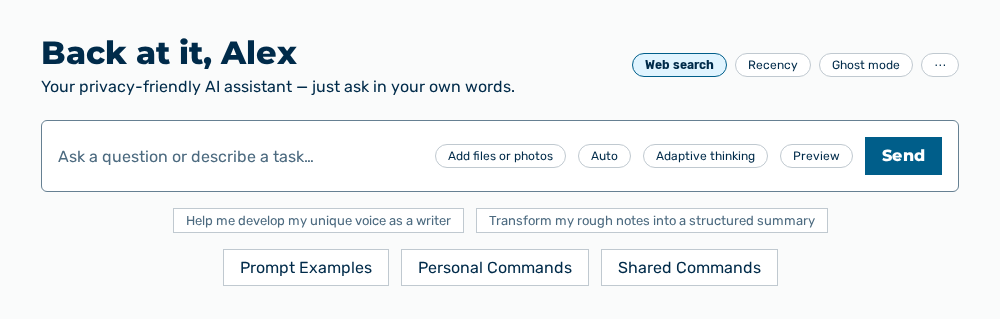
Chat view
- ► On the start page, open the Chat view in the Workspace work area.
- ► Enter your question in the input field and click on the Send button.
- ➔ The AI replies, and the conversation appears in the Recent chats view.
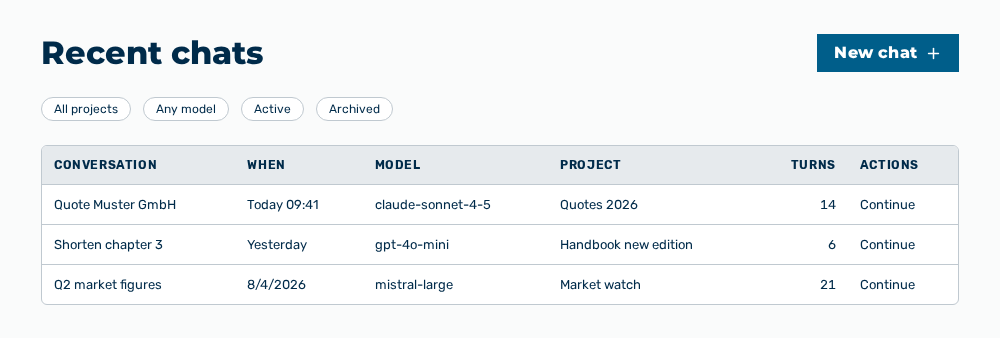
Recent chats view
You change which model replies with the Choose a model dialog below the input field. See the Choose a model dialog section.