That's the demo
Myra AI Workspace shows That's the demo with the text You've used all
Cause
The number of the prompts of the demo is used up.
Solution
- ► Click on the Contact Myra button.
- ► If you are already a customer, click on the Already a customer? Sign in link.
- ➔ Myra AI Workspace shows the contact form or the sign-in.
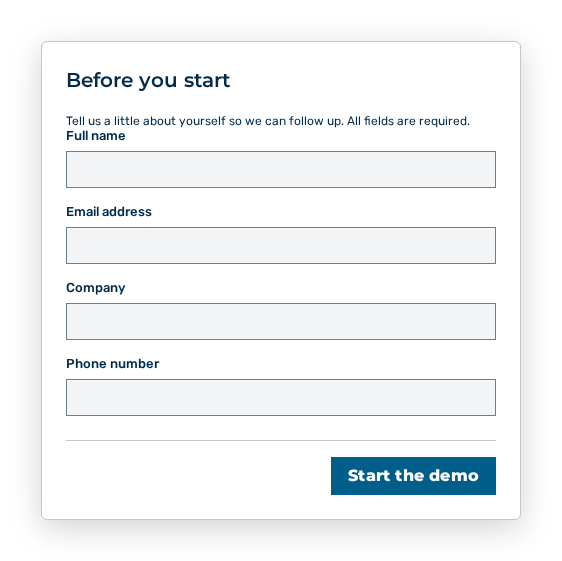
Contact form