Step 1: Set the personal preferences
The personal preferences apply to your user account only and immediately take effect in each new chat.
Proceed as follows to set the personal preferences:
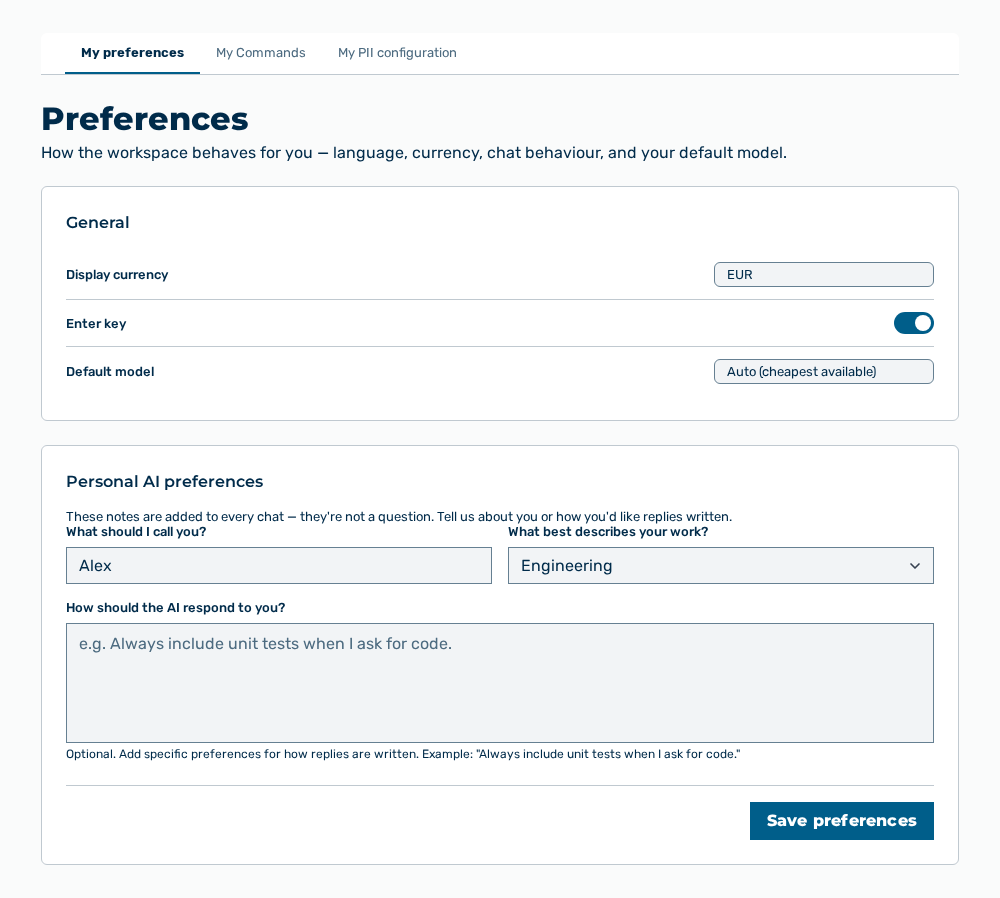
My preferences tab
-
► In the Settings area, open the Preferences group.
- ▷ On the start page, click on your name at the bottom of the navigation bar.
- ↳ The user menu opens.
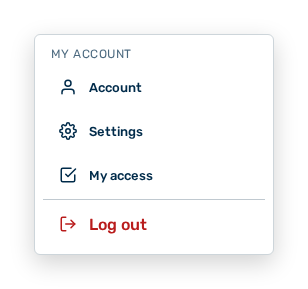
User menu
- ▷ In the My Account group, click on the Settings entry.
- ↳ The navigation bar shows the Settings area. The Preferences group is open.
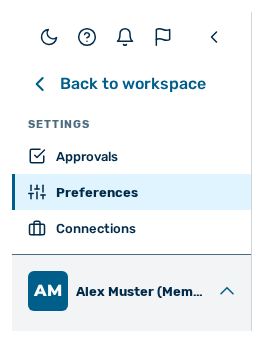
Navigation bar in the Settings area
-
► In the General area, set the language, the Display currency, the behaviour of the Enter key, and your Default model.
- ► In the Personal AI preferences area, enter what the AI is to call you and how the AI is to respond to you.
- ➔ Myra AI Workspace shows Saved. New chats use these preferences.
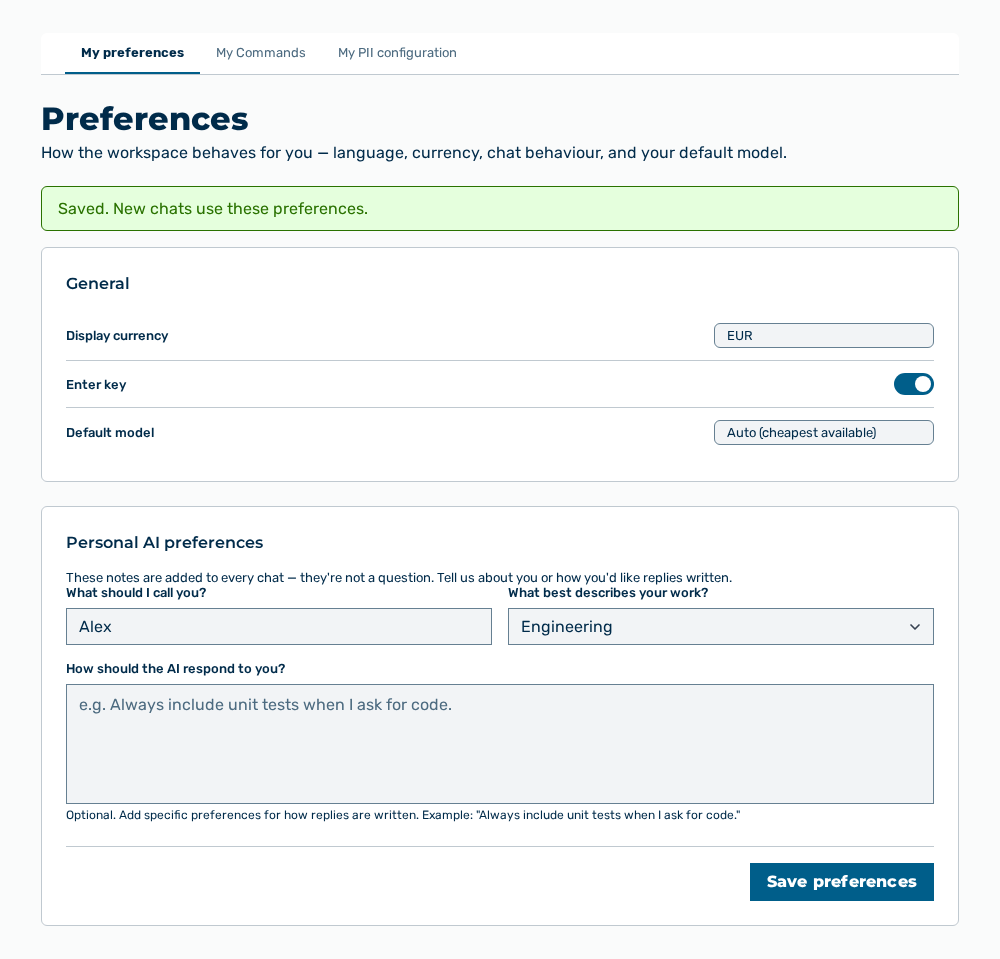
Preferences view with the message
The Personal preferences section describes which data the areas contain and how the data takes effect.