Missing or invalid gateway token
The gateway shows Missing or invalid gateway token.
Cause
The request carries no token, or the token used is revoked or expired.
Solution
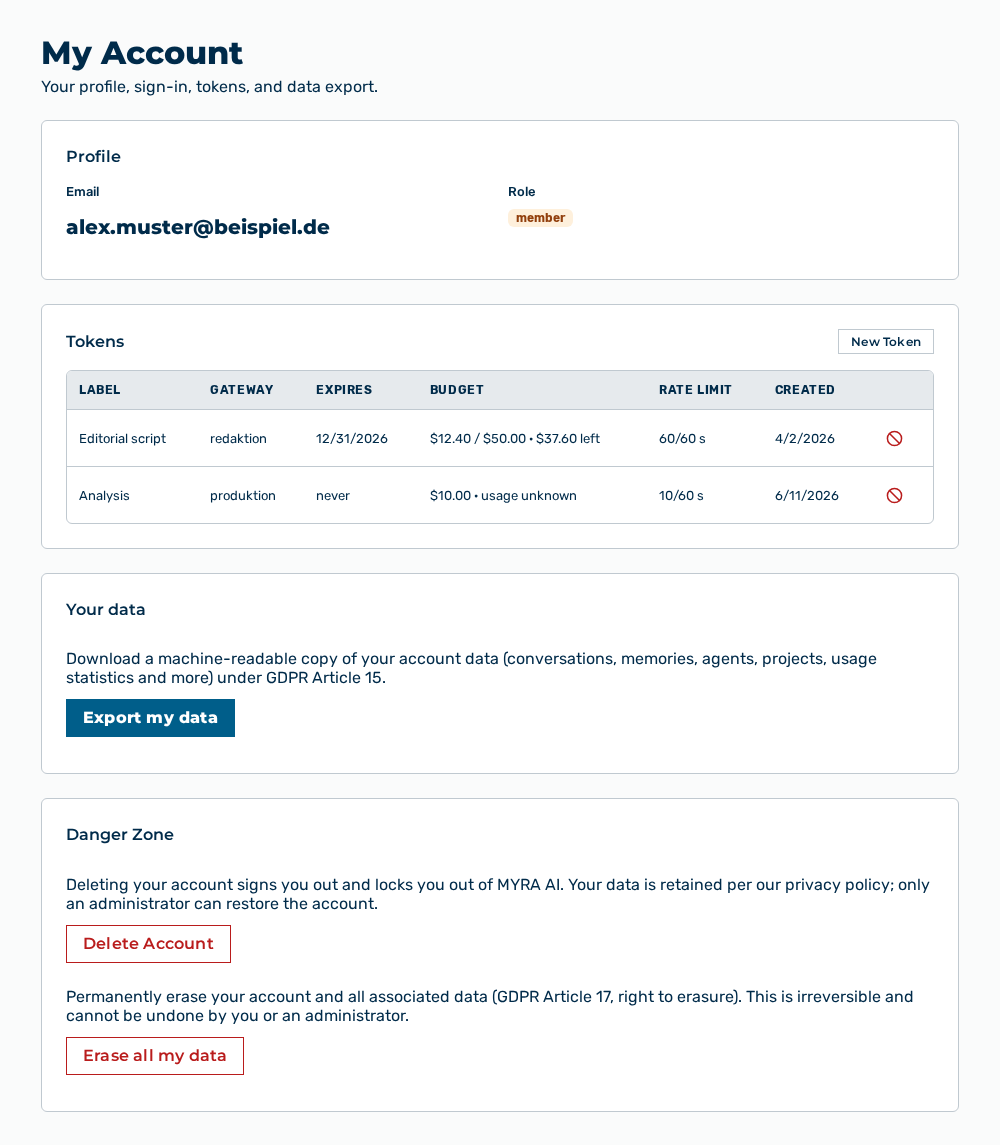
My Account view
-
► In the Account area, open the Profile tab.
- ▷ On the start page, click on your name at the bottom of the navigation bar.
- ↳ The user menu opens.
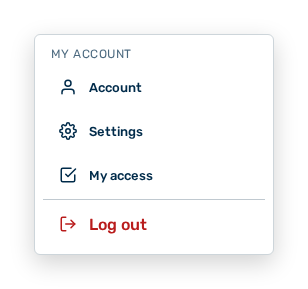
User menu
- ▷ In the My Account group, click on the Account entry.
- ↳ The navigation bar shows the Account area. The Profile tab is open.
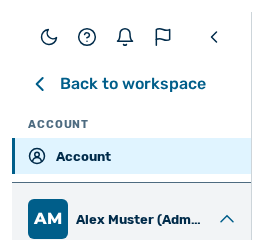
Navigation bar in the Account area
-
► In the Tokens section, check the Expires column.
- ► Create a new token with the New Token button.
- ► Enter the new token in the calling application.
- ➔ The gateway accepts the requests again.