Agent catalog dialog
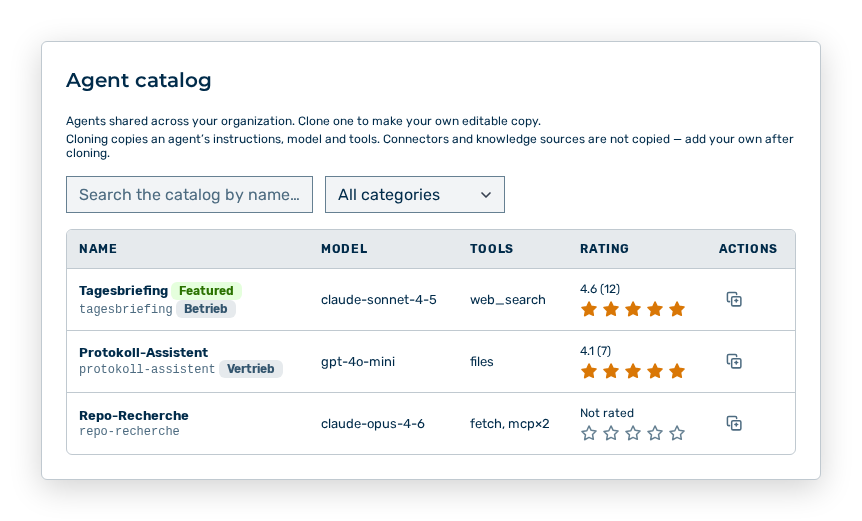
Agent catalog dialog
The Agent catalog dialog lists the agents that were shared across your organization. The subtitle reads Agents shared across your organization. Clone one to make your own editable copy.
The following information is available:
| Column | Description |
|---|---|
| Name | Name of the agent. The Featured label stands for a highlighted agent. |
| Model | Model the agent runs on. |
| Tools | Tools the agent may use. |
| Rating | Average rating in the |
| Actions | Holds the actions of the row. |
The following options are available in the dialog:
| Option | Description |
|---|---|
| Search the catalog by name… input field | Restricts the list to a search term in the name. |
| Filter by category selection list | Restricts the list to one category. The All categories entry removes the restriction. |
| Icons of the stars | Rate the agent. |
Note
Cloning copies an agent's instructions, model and tools. Connectors and knowledge sources are not copied — add your own after cloning. If no agent has been shared organization-wide yet, then the dialog reports No agents have been shared organization-wide yet.