API Keys tab
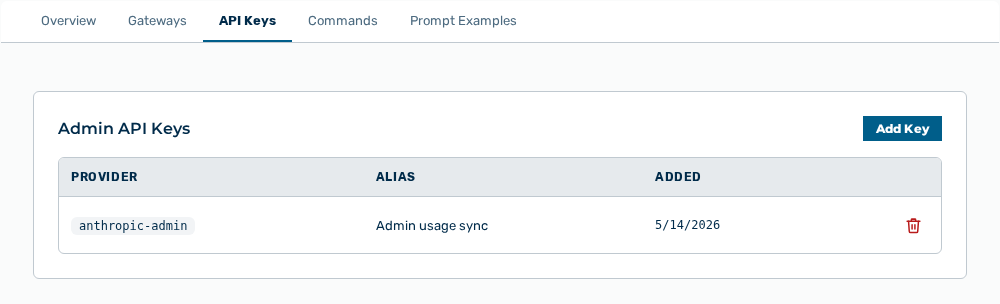
API Keys tab
The following information is available:
| Column | Description |
|---|---|
| Provider | Provider to which the key belongs. |
| Alias | Label of the key. |
| Added | Time at which the key was stored. |
The following options are available:
| Option | Description |
|---|---|
| Add Key button | Opens the form for an Anthropic Admin Key. Myra AI Workspace stores the key encrypted and uses it to sync the usage data of the Anthropic Admin API. |
| Save Key button | Stores the key you entered. While the key is stored, the button shows the Saving… label. |
| Remove row action | Opens the Remove |
Note
If no key exists, the tab shows No admin keys configured. Add an Anthropic Admin key (sk-ant-admin01-…) to enable authoritative usage reporting.