Commands tab
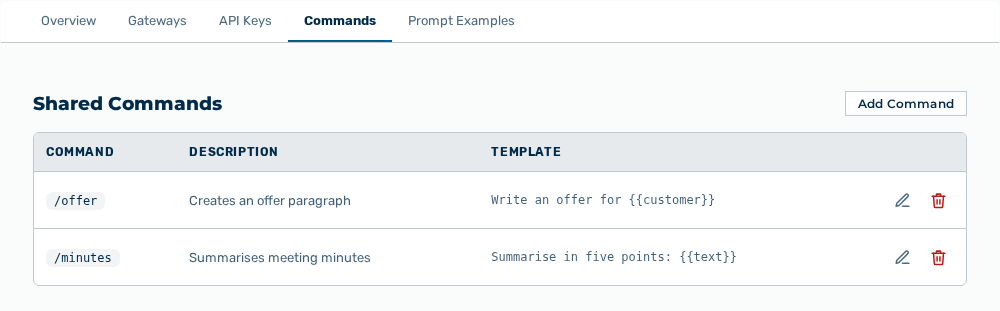
Commands tab
The following information is available:
| Column | Description |
|---|---|
| Command | Shortcut of the command in the form / |
| Description | Short description that appears in the picker in Chat. |
| Template | Text that the command puts into the input field. Placeholders are written in double braces. |
The following options are available:
| Option | Description |
|---|---|
| Add Command button | Opens the Add Shared Command dialog. The dialog expects a Name, a Description, and a Template. |
| Edit row action | Opens the Edit / |
| Delete row action | Opens the Remove this command? prompt. |
Note
If the name is missing, the dialog shows Name is required. If the template is missing, the dialog shows Template is required. If no command exists yet, the tab shows No shared commands yet. Commands defined here are available to all users in this tenant via the /commandname shortcut in Chat.