Approve review dialog and Deny review dialog
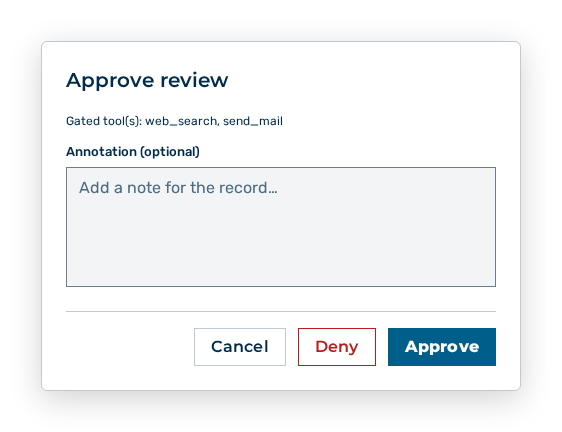
Approve review dialog
Both dialogs take the decision together with an annotation for the record.
The following information is available in the dialog:
| Entry | Description |
|---|---|
| Subject of the review | For a tool gate Gated tool(s): |
The following options are available in the dialog:
| Option | Description |
|---|---|
| Annotation (optional) input field | Takes a note for the record, at most 4,096 characters. The note then appears in the Note column. |
| Approve button | Approves the review. For a tool gate, the agent run runs the tool on the next sweep. |
| Deny button | Denies the review. For a tool gate, the tool gets a denial result and the run continues. |
| Cancel button | Closes the dialog without a decision. |
Note
A pending tool gate that nobody decides within 24 hours expires. The agent run then ends failed.