Changed in another tab
The editor of a workflow shows Changed in another tab.
Cause
The same workflow was edited and saved in another browser tab or by another person.
Solution
- ► Click on the Reload button.
- ↳ The editor loads the current state of the workflow.
- ► Repeat your change.
- ➔ The editor shows Saved.
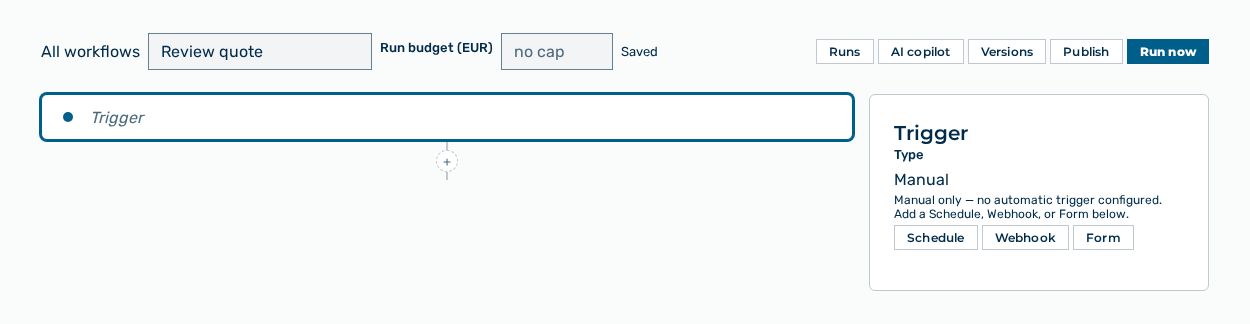
Editor of a workflow