Prompt Examples tab
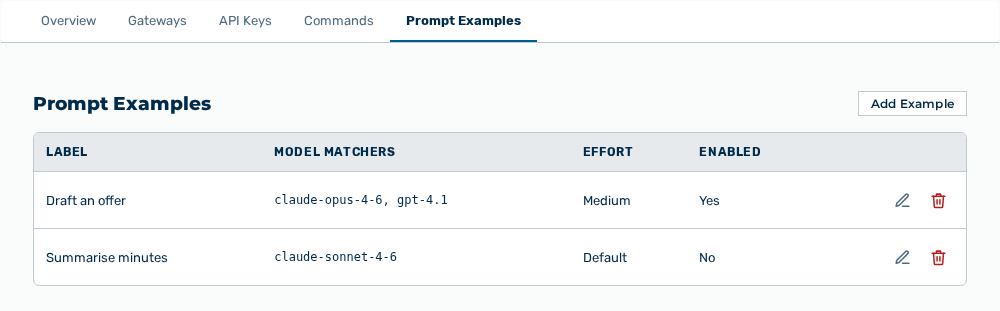
Prompt Examples tab
The following information is available:
| Column | Description |
|---|---|
| Label | Label of the example that appears on the home screen. |
| Model matchers | Ordered list of the preferred models. The first model available to the tenant wins. |
| Effort | Reasoning effort for reasoning models: Default, Low, Medium, High, Extra, or Max. |
| Enabled | Shows whether the example appears on the home screen: Yes or No. |
The following options are available:
| Option | Description |
|---|---|
| Add Example button | Opens the Add Prompt Example dialog with the Content, Steering, and Routing & behaviour sections. |
| Edit row action | Opens the Edit dialog. |
| Delete row action | Opens the Remove this prompt example? prompt. |
Note
If the label is missing, the dialog shows Label is required. If the prompt is missing, the dialog shows Prompt is required. If no example exists yet, the tab shows No prompt examples yet. Examples appear under the Prompt Examples tile on the /easy home screen.