Workflow copilot dialog
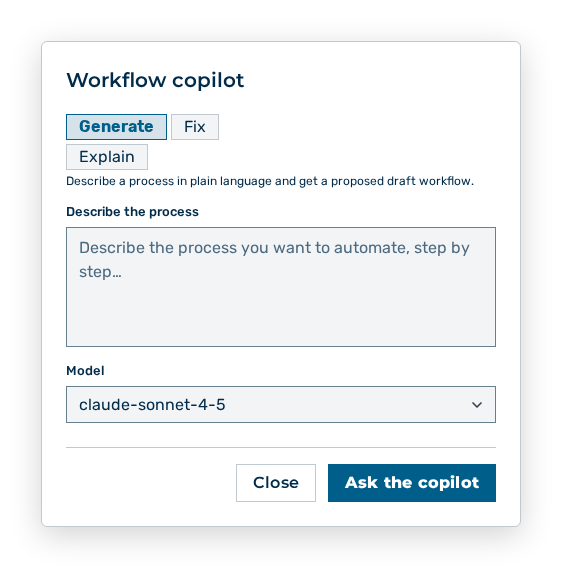
Workflow copilot dialog
The Workflow copilot dialog builds and checks the sequence with a model.
The following tabs are available:
| Tab | Description |
|---|---|
| Generate | Describe a process in plain language and get a proposed draft workflow. |
| Fix | Repairs the current draft using its validation errors. |
| Explain | Summarizes the current workflow in plain language. |
The following options are available in the dialog:
| Option | Description |
|---|---|
| Describe the process input field | Takes the description of the process. On the Fix tab, the field carries the label Additional guidance (optional). |
| Model drop-down list | Selects the model the copilot works with. If no model is available, the dialog shows No model is available to run the copilot. |
| Ask the copilot button | Starts the copilot. While the copilot works, the button shows the label Working…. |