Edit feedback dialog
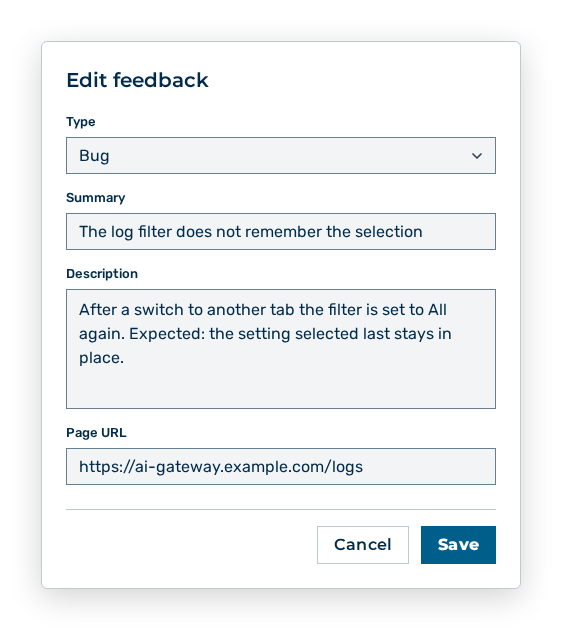
Edit feedback dialog
You change the following entries in the dialog:
| Entry | Effect of the change |
|---|---|
| Type drop-down list | Changes the classification of the feedback: Bug, Feature, or Other. The Type column and the filter follow the change. |
| Summary input field | Changes the text in the Summary column, at most 255 characters. The entry is required. |
| Description input field | Changes the detailed text in the row expanded, at most 4,000 characters. An empty field removes the text. |
| Page URL input field | Changes the address behind the Page: entry, at most 1,024 characters. An empty field removes the address. |
The following options are available in the dialog:
| Option | Description |
|---|---|
| Save button | Applies the change. While the change is saved, the button has the Loading… label. The button is disabled while the Summary is empty. |
| Cancel button | Closes the dialog without applying the change. |
Note
You do not change the images attached in the dialog. The images come from the Send Feedback form with which the person who reported submitted the feedback.