Version history — / dialog
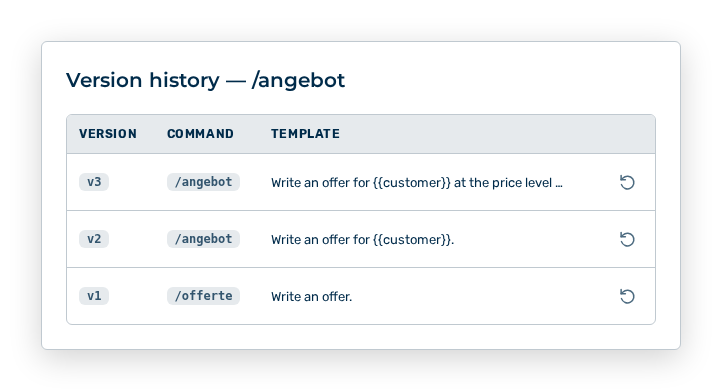
Version history dialog
The dialog lists the earlier versions of your own command.
The following information is available in the dialog:
| Column | Description |
|---|---|
| Version | Number of the version in the form v |
| Command | Name of the command at the time of this version. |
| Template | Prompt of this version, shown truncated. |
The following option is available in the dialog:
| Option | Description |
|---|---|
| Restore row action | Opens the Restore version v |
Note
If no earlier version exists yet, the dialog shows No version history yet. The restore deletes no version. The restore creates a new version with the old content.