Internal gateway error
The gateway shows Internal gateway error — the request never reached the model.
Cause
The request failed in the gateway before it went to a provider.
Solution
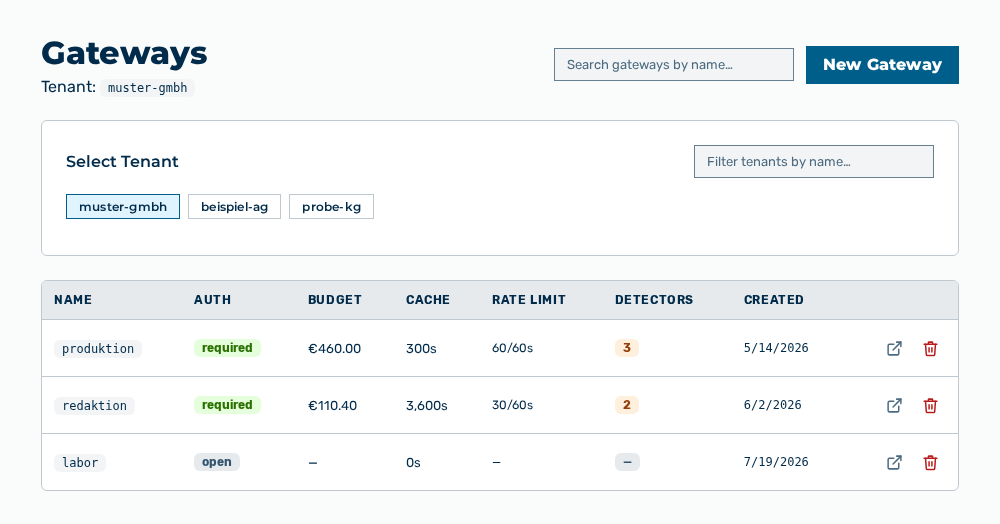
Gateways view
-
► In the Settings area, open the Gateways entry.
- ▷ On the start page, click on your name at the bottom of the navigation bar.
- ↳ The user menu opens.
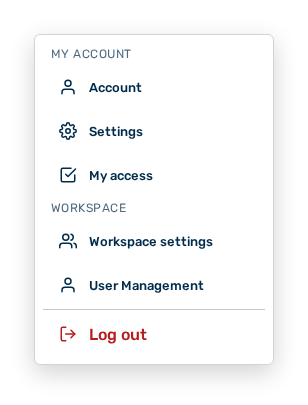
User menu
- ▷ In the My Account group, click on the Settings entry.
- ↳ The navigation bar shows the Settings area. The Gateways entry is open.
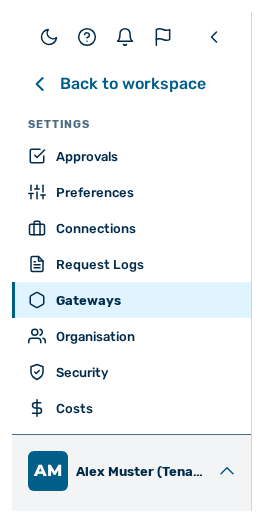
Navigation bar in the Settings area
-
► Check the provider configuration of the gateway.
- ► Open the Request Logs group.
- ► Check the trace of the request.
- ► Remove the cause reported.
- ► Send the request again.
- ➔ The gateway sends the request to the provider.