MCP Connectors tab
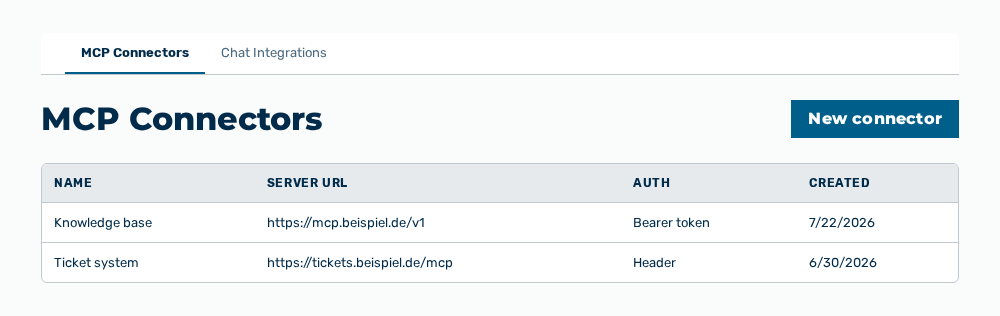
MCP Connectors tab
The tab lists the connectors of the tenant. The tab carries the note Connect to Model Context Protocol servers so the AI can call external tools during chat.
The following information is available:
| Column | Description |
|---|---|
| Name | Name of the connector. For a connector from the directory, the icon of the service comes first. |
| Server URL | Address of the MCP server that the connector calls. |
| Auth | Method with which the connector signs in to the server: Bearer, Header, or None. |
| Created | Date on which the connector was created. |
The following options are available:
| Option | Description |
|---|---|
| Add from directory button | Opens the Connector directory dialog. |
| New connector button | Opens the New MCP Connector dialog. |
| Edit row action | Opens the Edit MCP Connector dialog. |
| Delete row action | Opens the Delete this MCP connector? The model will no longer have access to its tools. confirmation. |
Note
If no connector exists yet, the tab shows No MCP connectors yet. Add one to give the AI access to external tools.