The agent could not be saved
The New Agent or Edit Agent dialog shows The agent could not be saved.
Cause
A mandatory entry is missing, or the server rejected the change. The dialog shows a missing entry as Name is required, Slug is required, or Model is required.
Solution
- ► Check the Name, Slug, and Model entries.
- ► Check whether Max tokens contains a positive integer.
- ► Click on the Save button.
- ➔ Myra AI Workspace saves the agent.
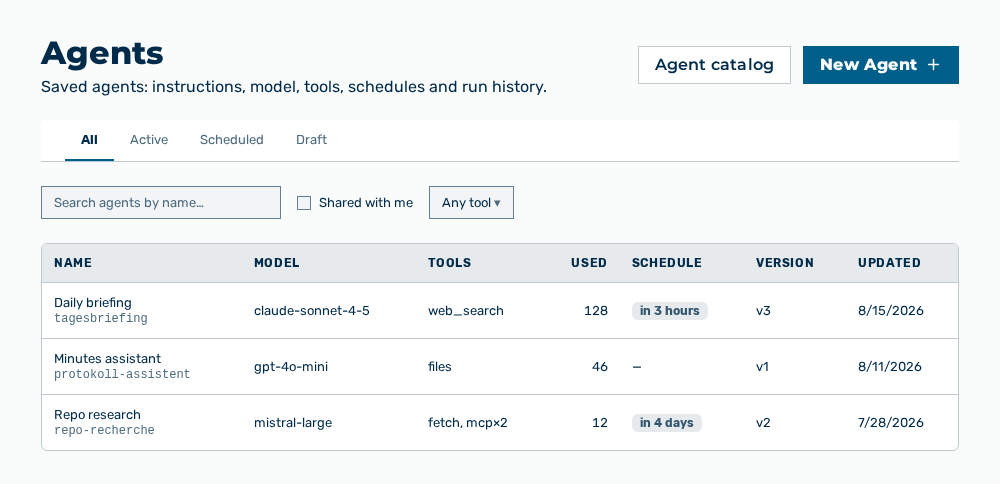
Agents view