No API key is configured for the selected provider
The gateway shows No API key is configured for the selected provider on this gateway.
Cause
No key for the provider that routes the selected model exists on the gateway.
Solution
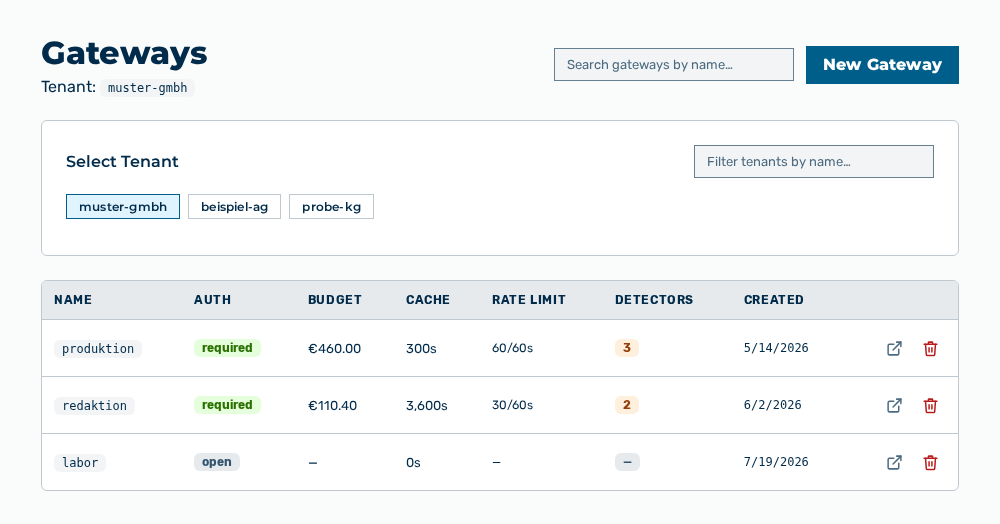
Gateways view
-
► In the Settings area, open the Gateways entry.
- ▷ On the start page, click on your name at the bottom of the navigation bar.
- ↳ The user menu opens.
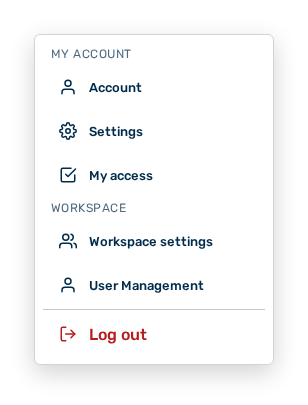
User menu
- ▷ In the My Account group, click on the Settings entry.
- ↳ The navigation bar shows the Settings area. The Gateways entry is open.
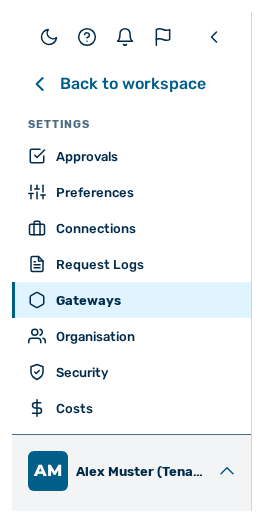
Navigation bar in the Settings area
-
► Open the gateway.
- ► Click on the Add Model button.
- ► Select the Use My Own Key method or the Use Platform Key method.
- ► For your own key, enter the API Key.
- ► Click on the Enable button at the model.
- ➔ Myra AI Workspace shows Key stored and encrypted successfully.
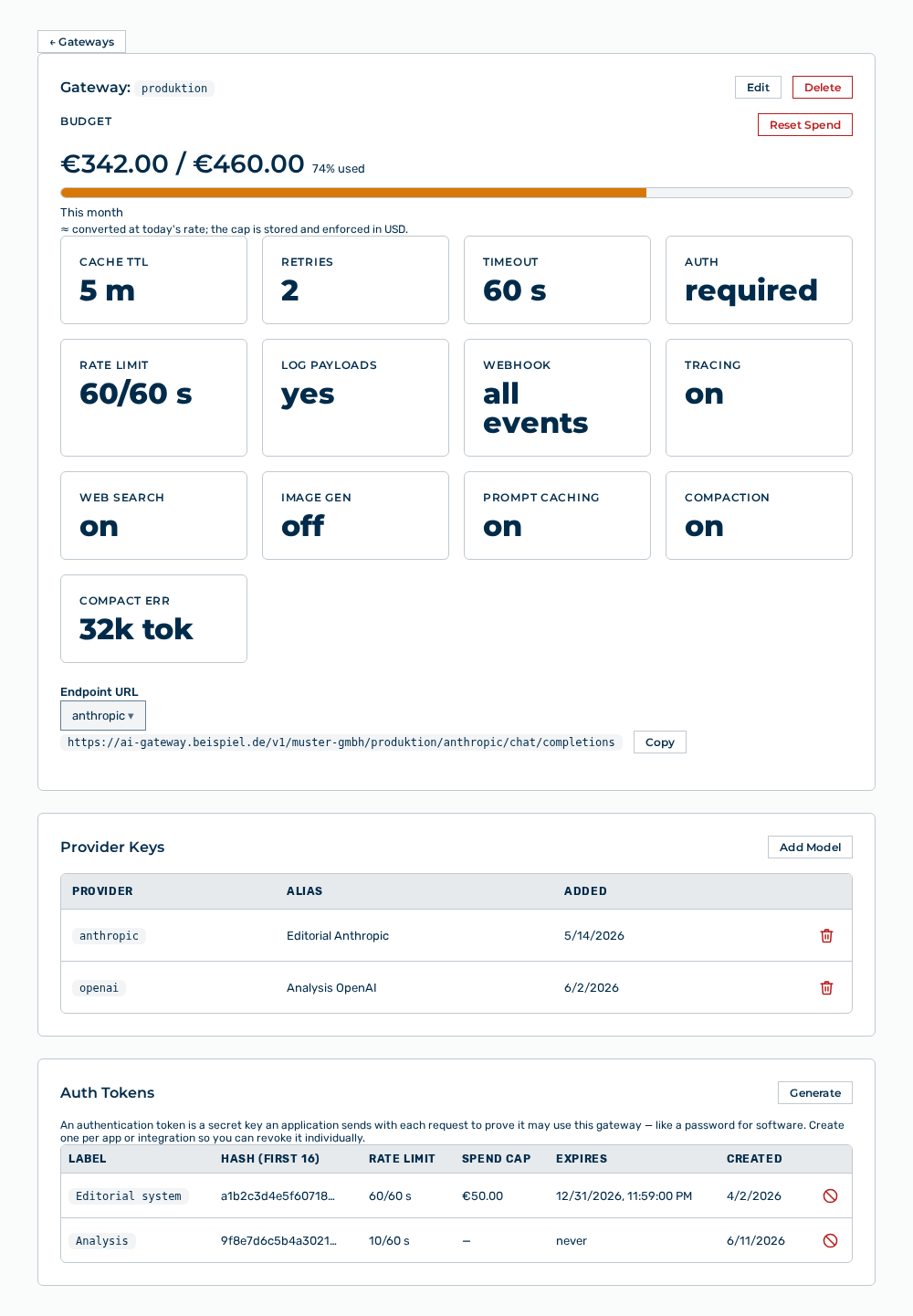
Detail view of a gateway