Detail view of a gateway
Detail view of a gateway
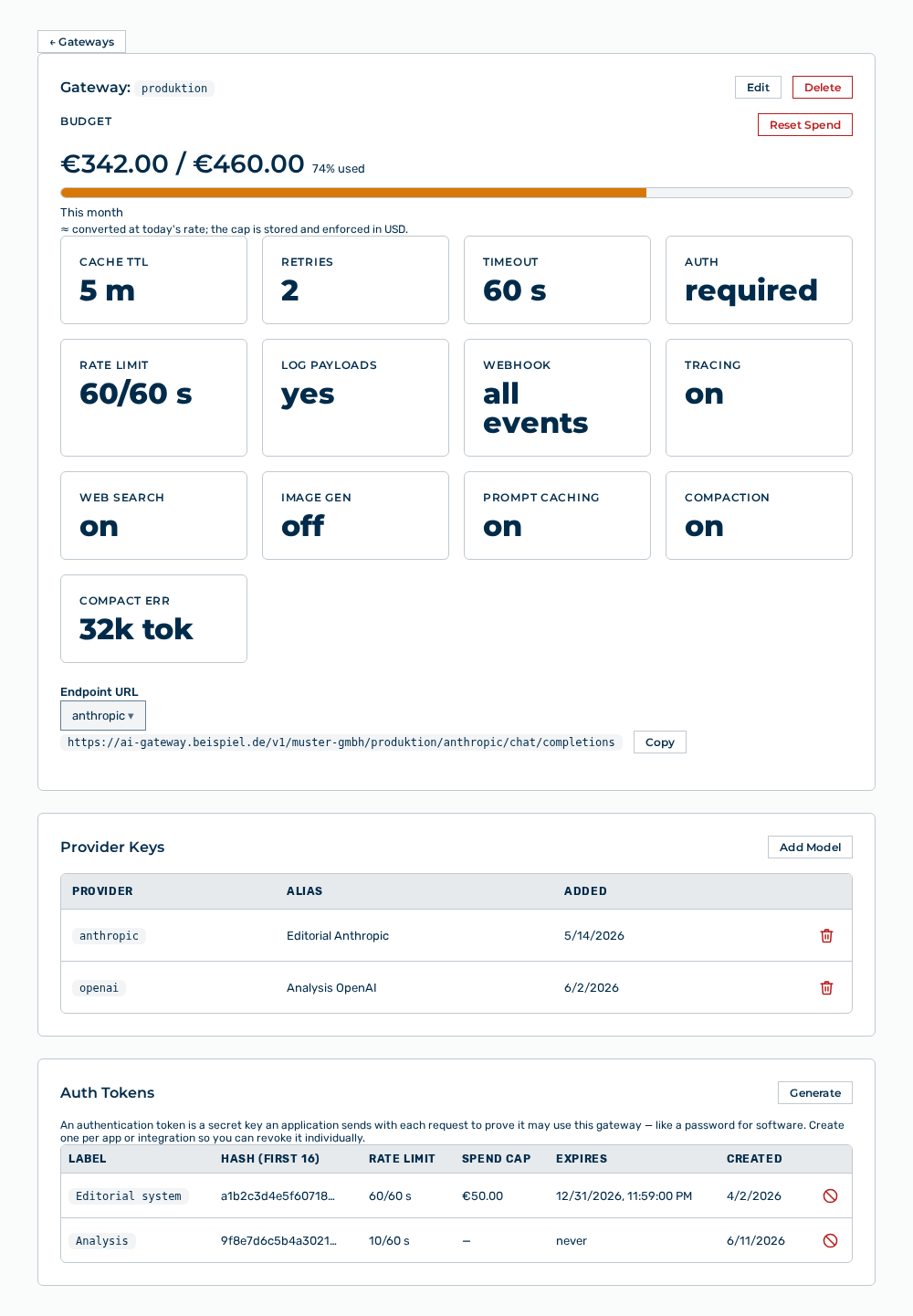
The detail view lists the settings and the access of a gateway in sections. You can collapse and expand each section with the icon to the right of its heading.
The following information is available:
| Section | Description |
|---|---|
| Gateway: |
Lists the statistics of the configuration and the endpoint URL. |
| Provider Keys | Lists the stored API keys of the providers. |
| Auth Tokens | Lists the tokens that get access to this gateway. |
| Guardrails | Lists the detectors for content and their recent events. |
| Routing Rules | Lists the rules that override the default routing. |
| Circuit Breaker | Lists the state of the providers whose calls have failed repeatedly. |
The following options are available:
| Option | Description |
|---|---|
| ← Gateways link | Returns to the list of gateways. |
| Edit button | Opens the Edit Gateway: |
| Delete button | Opens the Delete gateway " |
| Reset Spend button | Opens the Reset the budget spend counter to $0? prompt and resets the spend counter after your confirmation. The button appears only if a budget is set. |
| Endpoint URL selection list | Selects the provider for which the view builds the endpoint URL. |
| Copy button | Copies the endpoint URL to the clipboard. After the copy, the button shows the Copied! label. |
| Collapse section icon | Collapses the section. When the section is collapsed, the icon shows the Expand section label. |