Versions dialog
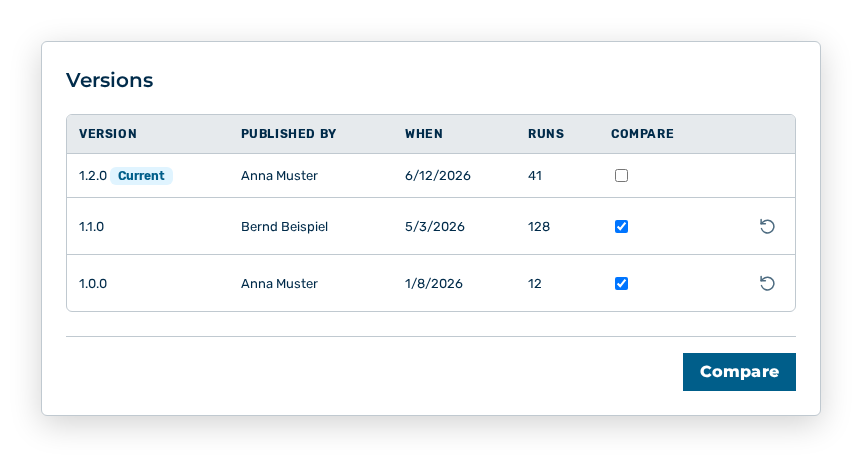
Versions dialog
The Versions dialog lists the published versions of the workflow.
The following information is available:
| Column | Description |
|---|---|
| Version | Number of the published version. The current version carries the Current marker. |
| Published by | User account that published the version. |
| When | Time of the publication. |
| Runs | Number of the runs of this version. |
| Compare | Checkbox that selects the version for the comparison. You can select two versions. The selection of a third version replaces the older of the two selected ones. |
The following options are available in the dialog:
| Option | Description |
|---|---|
| Roll back row action | The row action is not available on the current version. The row action opens the Publish version |
| Compare button | Shows the differences between the two selected versions. If both versions agree, the dialog shows No configuration differences between these versions. |
Note
If no version is published yet, the dialog shows No published versions yet. If a version uses a deleted agent or approver, the roll back shows This version references an agent or approver that no longer exists.