Preferences
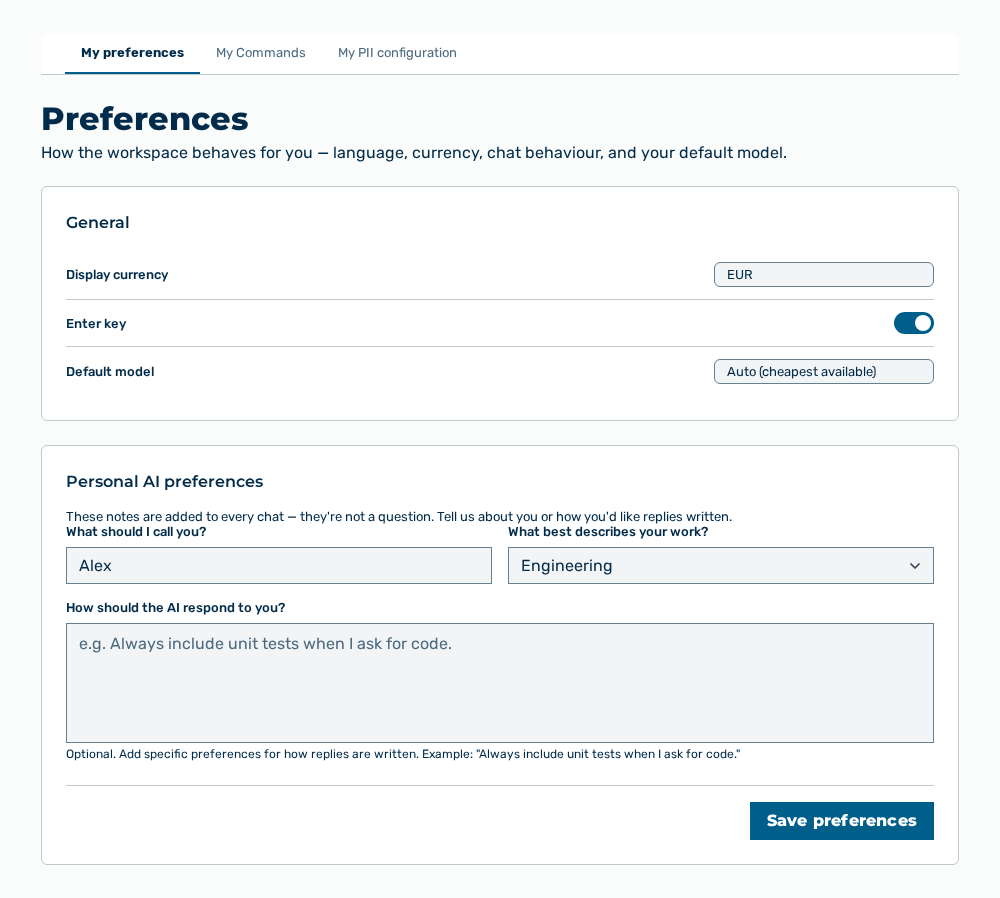
Preferences view
In the Preferences group you set how Myra AI Workspace behaves for you. The settings apply to your user account only. Below the heading, the How the workspace behaves for you — language, currency, chat behaviour, and your default model. note appears.
The following options are available:
| Tab | Description |
|---|---|
| My preferences | Sets the language, the currency, the chat behaviour, and your default model. |
| My Commands | Shows the slash-commands available in chat — your own plus any shared with you. |
| My PII configuration | Masks the words and phrases you list here in your messages before they leave Myra, in addition to the detectors for personal data configured at the gateway. |
The following sections describe the view in detail: