Frequently asked questions
This section answers the questions most frequently asked about MCP connectors.
How do I see that a connector needs to be reconnected?
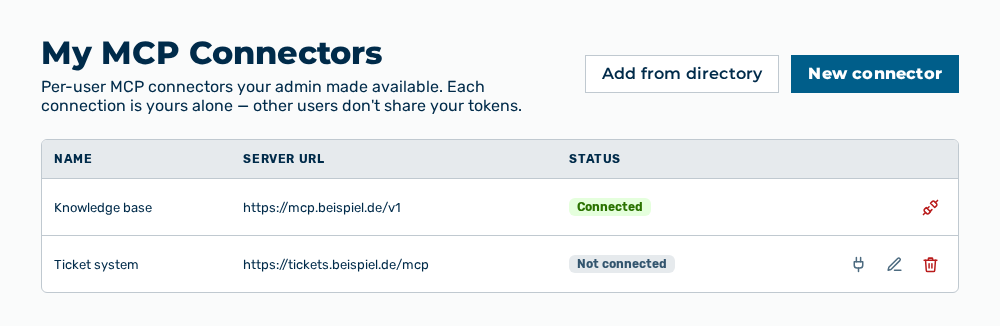
My MCP Connectors view
In the Status column of the My MCP Connectors view. While a connector needs to be reconnected, the AI does not call its tools and the gateway shows A connector needs to be reconnected before it can be used. See MCP Connectors tab.
Why must I reconnect a connector?
An MCP connector works with the credentials that you gave it when you connected it. If they expire or the provider withdraws them, the connector loses its access. The Reconnect row action does the sign-in with the provider again. See Managing your own MCP connectors.
Do other users see my connectors?
No, a connector of your own applies to your user account alone. Separately from that, the administration manages the MCP connectors of the tenant, which are available to all users of the tenant. See Managing your own MCP connectors.