The gateway couldn't authenticate with the model provider
The gateway shows The gateway couldn't authenticate with the model provider — a provider key is missing or invalid.
Cause
The key stored is withdrawn, expired, or entered incorrectly.
Solution
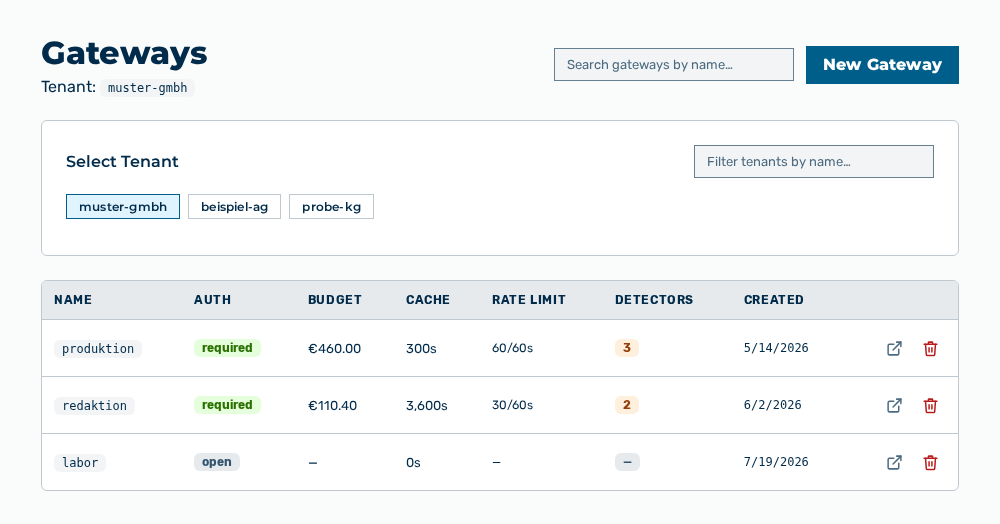
Gateways view
-
► In the Settings area, open the Gateways entry.
- ▷ On the start page, click on your name at the bottom of the navigation bar.
- ↳ The user menu opens.
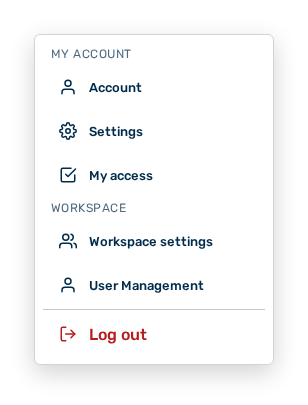
User menu
- ▷ In the My Account group, click on the Settings entry.
- ↳ The navigation bar shows the Settings area. The Gateways entry is open.
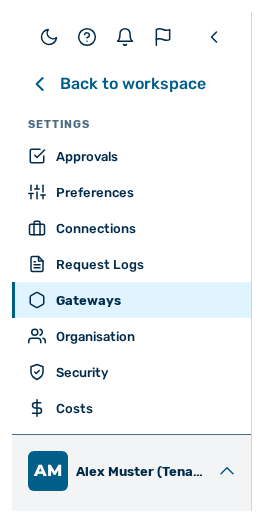
Navigation bar in the Settings area
-
► Open the gateway.
- ► Enter the valid API key of the provider.
- ► In the Providers group, check the availability status of the provider.
- ➔ The gateway reaches the provider again.
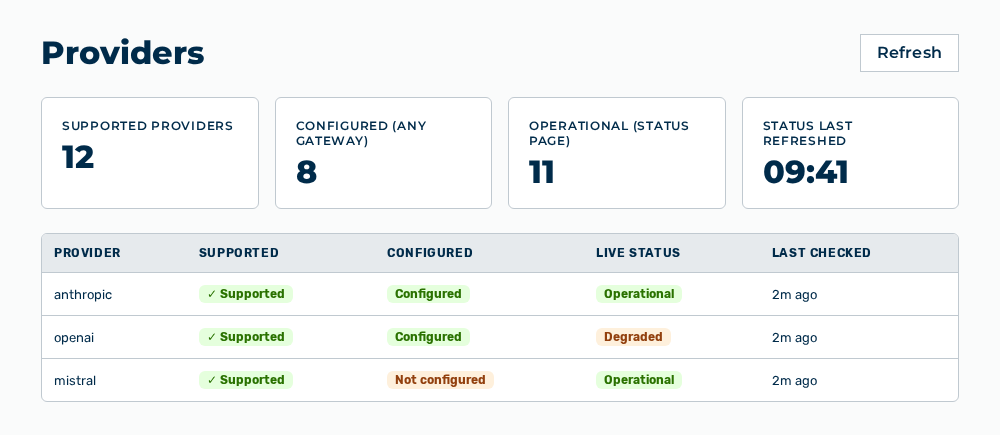
Providers view