Auth Tokens section
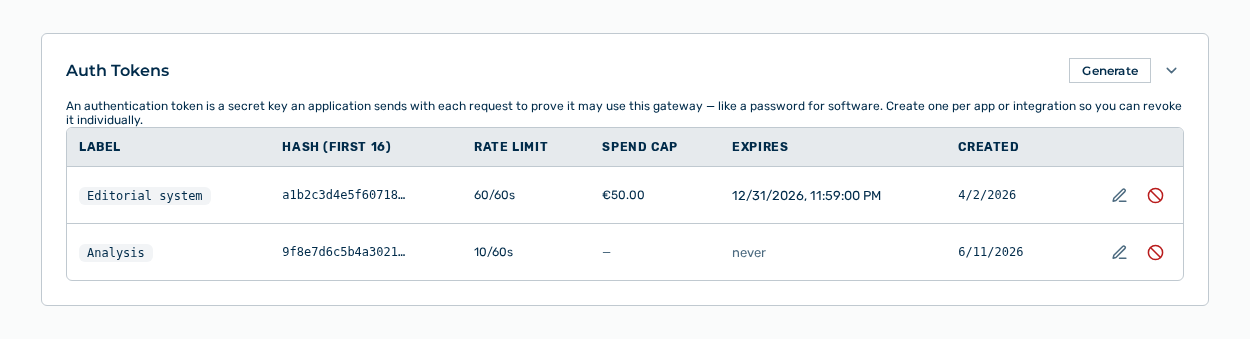
Auth Tokens section
The following information is available:
| Column | Description |
|---|---|
| Label | Label of the token, for example ci-pipeline. |
| Hash (first 16) | The first 16 characters of the hash value. These characters identify a token without disclosing it. |
| Rate Limit | Permitted requests per time window for this token. |
| Spend Cap | Amount above which Myra AI Workspace blocks this token. |
| Expires | Expiry time of the token. If no expiry is set, the never entry appears. A token close to its expiry carries the Expires soon marker, an expired one the Expired marker. |
| Created | Time at which the token was generated. |
The following options are available:
| Option | Description |
|---|---|
| Generate button | Opens the Create Auth Token dialog. |
| Edit row action | Opens the Edit Token — dialog. |
| Revoke row action | Opens the Delete this token? Requests using it will fail. prompt. |
Note
If no token exists yet, the section shows No tokens yet. Generate one to allow access to this gateway.